








Jeneratör
Tarih
AI Kat Planı Oluşturucu
Değiştirme Aracı
Model
Temel
Anahtar
Odalar
yatakOdası
-
2
+
banyo
-
1
+
Mutfak
açık
kapalı
Brüt alan
Birim Metrik
 imparatorluk
Metrik imparatorlukBölge
< 50㎡
50-80㎡
80-100㎡
100-120㎡
120-150㎡
> 150㎡
Ekstra özellikler
yürüyerek girebilen dolap
çamaşır odası
depo odası
işlev odası
ev ofisi
garaj
depo
birleşik oturma-yei odası
balkon

Design Your Dream Space with Our AI App Blueprint Maker
Unleash your creativity and visualize perfect layouts in minutes. Ideal House’s AI Floor Plan Generator is the ultimate app blueprint maker, transforming your ideas into professional 2D floor plans with unparalleled speed and accuracy. Whether you’re planning a new home, renovating, or preparing a real estate listing, our intuitive tool streamlines the design process from concept to completion. Get ready to generate stunning floor plans that capture every detail.
Generate My Floor Plan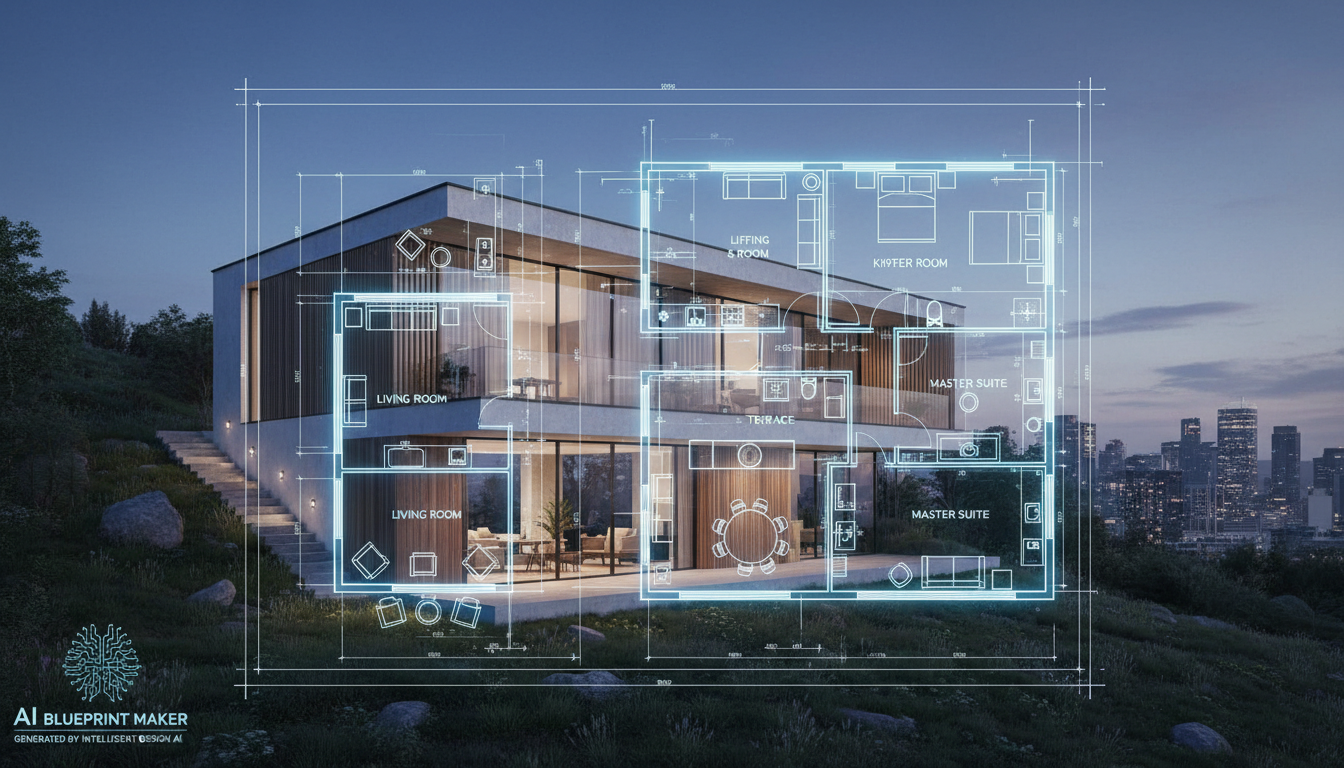


Why Ideal House is Your Go-To App Blueprint Maker

Instant 2D Floor Plans
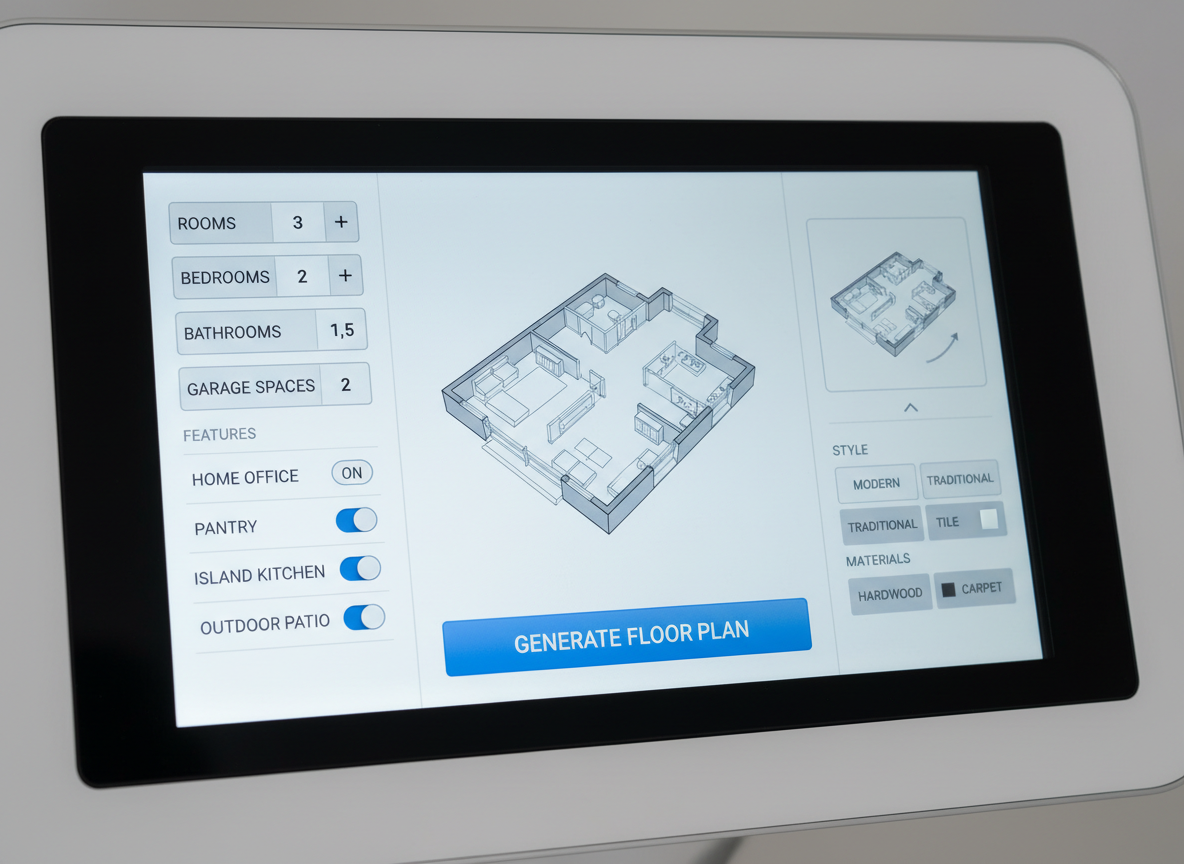
Say goodbye to tedious manual drafting. Our AI floor plan generator instantly creates clear, precise 2D floor plans based on your specifications. Simply input your desired rooms, kitchen style, and gross area, and watch as our app blueprint maker brings your vision to life in seconds. It's the fastest way to explore countless layout possibilities.
Customizable Room Layouts
Tailor every aspect of your design with our versatile floor plan creator. Choose the number of bedrooms and bathrooms, select open or closed kitchen concepts, and even add essential extras like a walk-in closet, home office, or balcony. This AI house planner adapts to your exact needs, ensuring your custom floor plans reflect your ideal living space.

Perfect for Every Project
From homeowners and interior designers to real estate agents and contractors, our app blueprint maker serves a diverse range of users. Generate clear, consistent 2D real estate floor plans for listings, visualize home renovation planner ideas, or create detailed architectural drawing app concepts for clients. Ideal House simplifies complex space planning for everyone.
Save and Share Your Designs
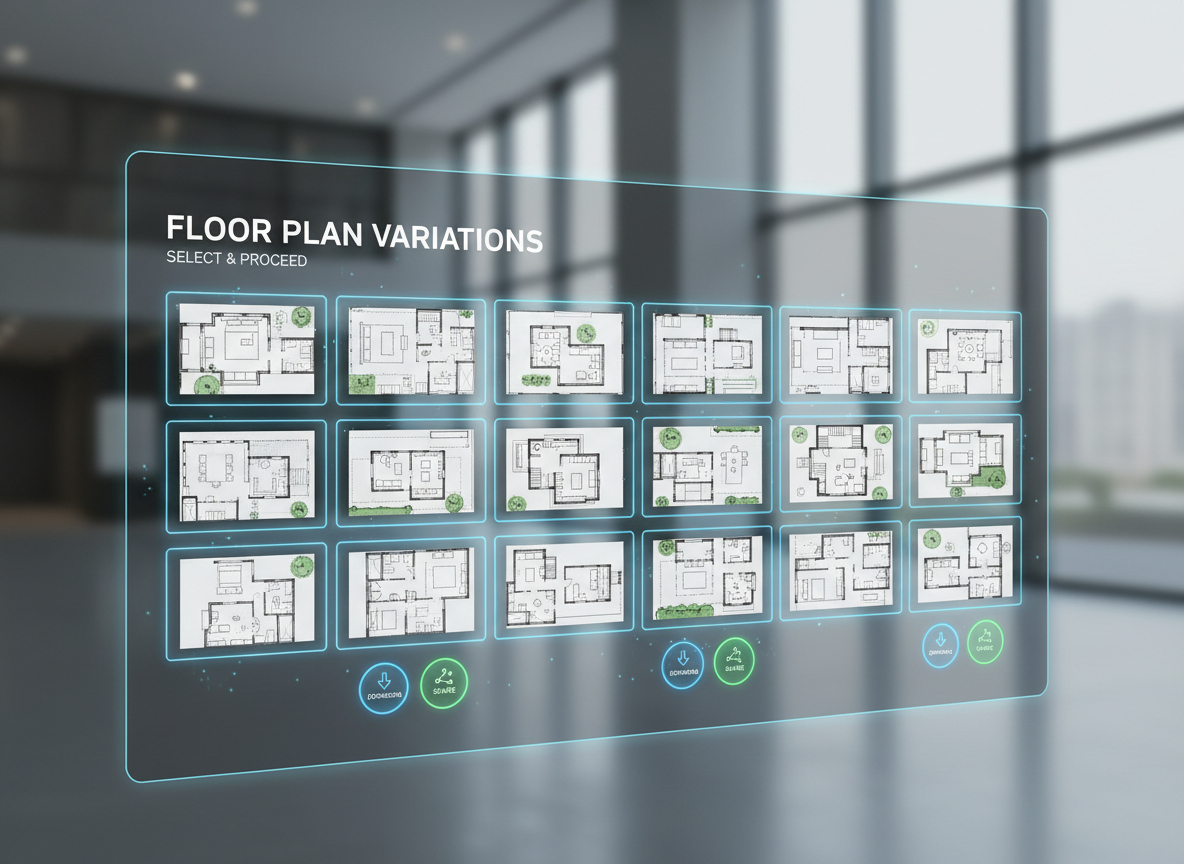
Every floor plan you generate is automatically saved in your history, making it easy to compare and refine different versions. Once satisfied, download your digital floor planner creations as images or PDFs. Our building plan software ensures your professional-grade blueprints are ready to share with clients, partners, or on property listings.

Who Benefits from Our App Blueprint Maker?

Homeowners & DIY Planners: Experiment with room layouts for renovations or new constructions.

Interior Designers & Decorators: Rapidly generate concepts and iterate with clients in real-time.

Real Estate Professionals: Create compelling 2D floor plans for listings to attract more buyers.

Generate Your Floor Plan in 6 Simple Steps
1
Set Rooms: Choose desired bedrooms (0-4) and bathrooms (1-3) to begin defining your space with our app blueprint maker.
2
Choose Kitchen Style: Decide between an open or closed kitchen layout, influencing the flow and feel of your design.
3
Pick Gross Area: Select a size range to guide the overall dimensions and proportions of your architectural drawing app.
4
Add Extras: Incorporate features like a walk-in closet, home office, or balcony to refine your custom floor plans.
5
Generate & Review: Click 'Generate' to see your new 2D floor plan, then tweak and regenerate to compare options in your digital floor planner.
6
Download & Share: Export your final design as an image or PDF, ready for presentations, listings, or personal use.
Frequently Asked Questions About Our AI Floor Plan Generator
How does Ideal House turn my selections into a floor plan?
Our advanced AI floor plan generator interprets your inputs—rooms, kitchen style, area, and extras—to apply common architectural principles. It intelligently drafts a clear 2D floor plan, optimizing for flow and functionality based on your specifications as the app blueprint maker.
What are the customization options available?
You can specify 0-4 bedrooms, 1-3 bathrooms, choose an open or closed kitchen, and select a gross area band. Add extras like a walk-in closet, laundry room, home office, or combined living-dining space, allowing you to create truly custom floor plans.
How does 'Gross Area' affect the generated plan?
The gross area range provides a guiding scale for the AI, ensuring rooms, corridors, and overall layout are proportionally appropriate for your chosen footprint. This helps the app blueprint maker produce realistic and functional space planning solutions.
Can I compare different versions of my floor plan?
Yes! Every design created by our AI house planner is saved to your Generation History. You can easily filter and review multiple versions side-by-side to choose the perfect layout for your property or project.
Is the AI Floor Plan Generator suitable for real estate listings?
Absolutely. It's an excellent property layout generator for real estate agents. Quickly produce consistent, professional 2D real estate floor plans that help potential buyers visualize the space and enhance your property listings.
Enhance Your Design Workflow with Ideal House
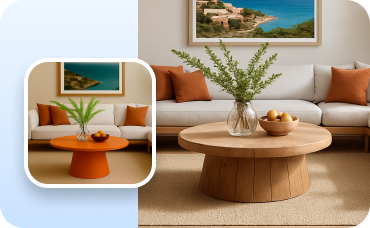
Change Furniture
Swap out patio chairs, tables, and outdoor decor to find the perfect style for your new space.
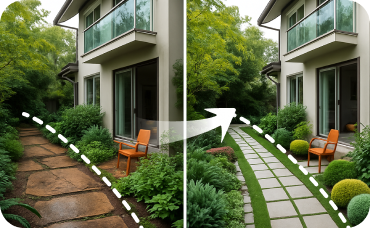
Landscaping
Design beautiful, lush gardens and outdoor spaces to enhance property value and appeal.
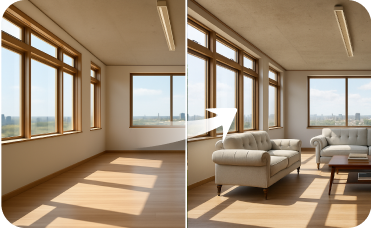
Virtual Staging
Professionally stage entire empty rooms or homes with just a few clicks for top-tier real estate listings.
Ready to Design Your Space?
Experience the future of interior design with the Ideal House app blueprint maker. Generate professional 2D floor plans effortlessly.
Generate My Floor Plan
💰 Ideal House'un ortak ortağı olarak %10 komisyon kazanın.
Bize Katılın